Real-Time Hardware Monitoring
For the Linux Desktop
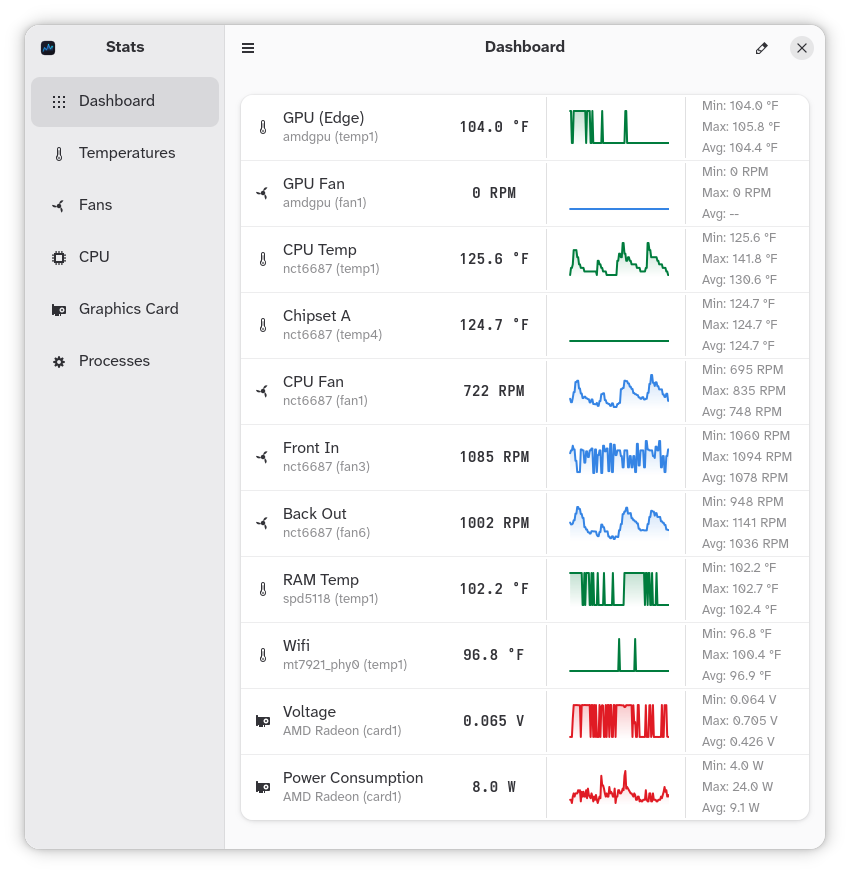
Stats continuously tracks Minimum, Maximum and Average performance metrics for every single sensor. It features sparkline graphs, session summary exports (Markdown, CSV, JSON), a fully customizable dashboard and process tracking.
Designed for Deep Insights
Everything you need to monitor thermals, fans, frequencies and workloads - with zero clutter.
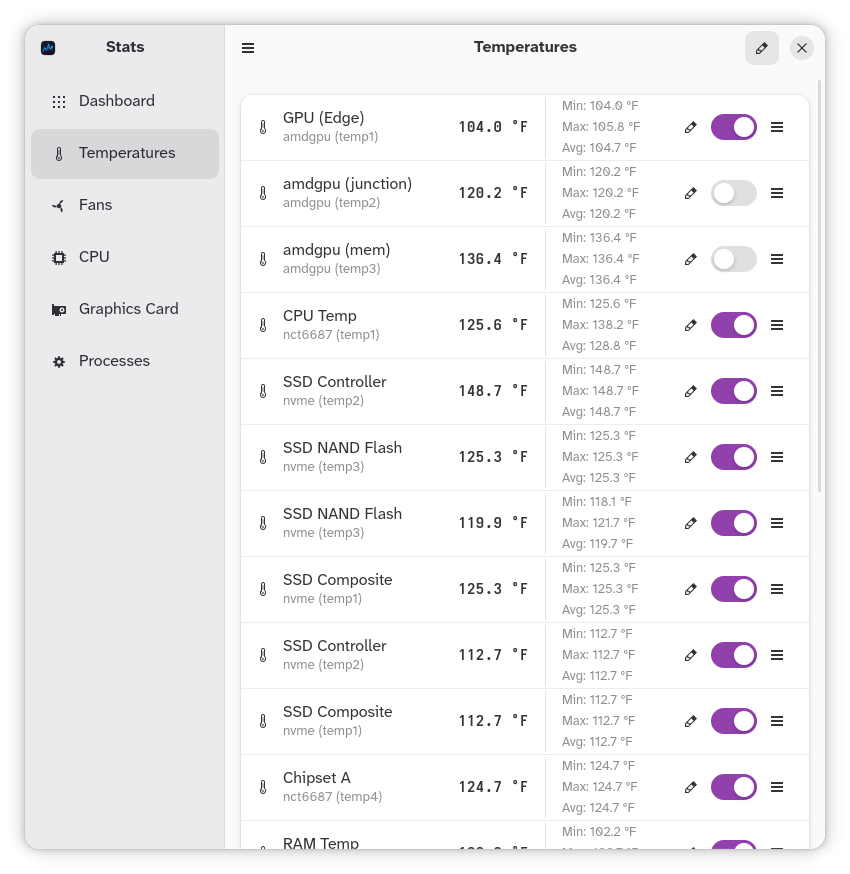
Continuous Min / Max / Avg
Never miss thermal spikes or voltage dips. Stats continuously computes and updates Minimum, Maximum and Average statistics for every single sensor.
Multi-Format Export
Reset metrics anytime for fresh benchmark sessions. Export session reports with duration, top CPU/RAM processes and full sensor breakdowns. Save structured CSV and JSON files or copy clean Markdown directly to your clipboard.
Live Historical Sparklines
Real-time graphs display historical trends over configurable time windows.
Comprehensive Hardware Metrics
Track CPU load & per-core clock speeds, AMD GPU metrics (load, VRAM, voltages, power draw), fan speeds and motherboard sensors.
Custom Dashboard
Tailor your monitoring space. Reorder and rename sensors with friendly custom titles, or filter categories to fit your workflow.
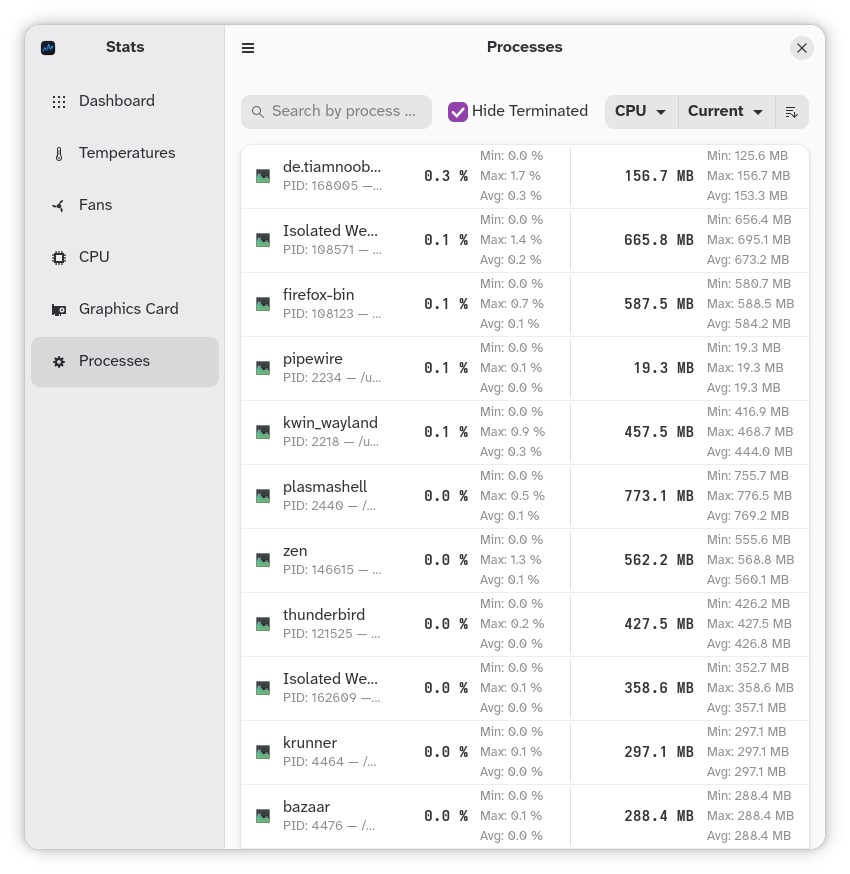
Process Tracking
Monitor active system processes with real-time CPU and RAM utilization metrics. Includes custom sorting by current/min/max/avg values.
Sandboxed & Secure
Built with a Flatpak-first security model. Enforces strict least privilege with read-only sysfs access, avoiding unnecessary system privileges.
Get Stats for Your Linux Desktop
Stats is distributed as a Flatpak to guarantee sandboxing, easy single-click installation and seamless background updates.
Strict Minimal Permissions Model
Stats respects system security. Permissions are strictly scoped to what is absolutely necessary for the provided functionality.
All necessary permissions explained:
sysfs trees (/sys/class/hwmon, /sys/class/drm) for reading thermals, fan RPMs and GPU metrics.sensors3.conf) to map hardware bus addresses to human-readable labels.flatpak-spawn --host used only to discover host processes, CPU and RAM utilization.Native in Your Language
Stats features built-in translations for international users.